

What do I do when my phone or tablet won't charge?
- Dust/dirt in the charging port
Charging may not be possible if dust or dirt is in the charging port. Remove dust/dirt in the charging port if you notice something is in there.
- Faulty charging cable/adaptor
The issue could be due to the cable/adaptor had been damaged from bending or is no longer working.
- Charging connector replacement
If it is not caused by the options above, the problem could be solved by replacing the charging connector.
- Mainboard damage
Another possibility is mainboard damage.
Q: What is the mainboard?
A: The mainboard (motherboard) is the core part of the hardware and controls all functions of the phone. Every part of the phone with a function is connected to this mainboard.
Q: How can the mainboard gets damaged?
A: The mainboard can get damaged from shocks (drops), dropping into water or even from pressure. It can also be caused by charging with a poor quality charger/cable. Damage to the mainboard can arise even if there is no physical damage.
Q: What happens when the mainboard is damaged?
A: As the mainboard is the core part of the device, once it’s damaged, it can make functions play up. The functions affected depend on the location of the damage.
Q: How do I know if the device is not charging from damage to the charging connector or a mainboard damage?
A: There is no way to physically find out if the mainboard got damaged or not unless you test the device with a new charging connector and see if it is working or not. With this matter, we can help you through a quick inspection and can tell you if it will be solved by replacing the charging connector or not.
Q: What should I do if it is a mainboard damage?
A: If it’s a mainboard issue, don’t worry. We can fix this issue at Happytel. Most charging problems caused by the mainboard are related to the mainboard’s power charging system and the Happytel Head office can repair it by micro soldering. Our success rate for this procedure is 85%.
Get your phone repaired at your nearest Happytel store today!
Find your nearest Happytel store here or book a repair online here.

How to Remove Malware Pop-Ups on Android Samsung, Google Pixel, Nokia Phones Is your Android showing constant pop-ups or ads? Learn how to remove malware from your Android phone safely. Pop-Up Hell: Ending the Android Malware Nightmare Are random pop-ups ruining your Android Samsung Galaxy, Google Pixel experience? You’re not alone. Many Android users encounter malware pop-ups caused by hidden adware apps disguised as games, “cleaners,” or “boosters.” These malicious apps don’t improve your phone—they slow it down, drain the battery, and flood your screen with ads. Here’s how to remove malware pop-ups from your Android phone and protect your...

The Timeless Charm of Norigae: Tradition Meets Modern Style The norigae (노리개) is one of Korea’s most exquisite traditional ornaments — a decorative tassel that has adorned hanbok for centuries. Once a cherished symbol of luck, prosperity, and elegance, the norigae is now being rediscovered as a fashion-forward accessory for modern lifestyles, from bags to tech devices like the iPhone, Samsung, Pixel, and other phones. What Makes a Norigae Special? A traditional norigae usually consists of four parts: Ddidon – the hook or clasp Paemul – the central ornament or charm Maedeup – the decorative knot Sul – the silk...
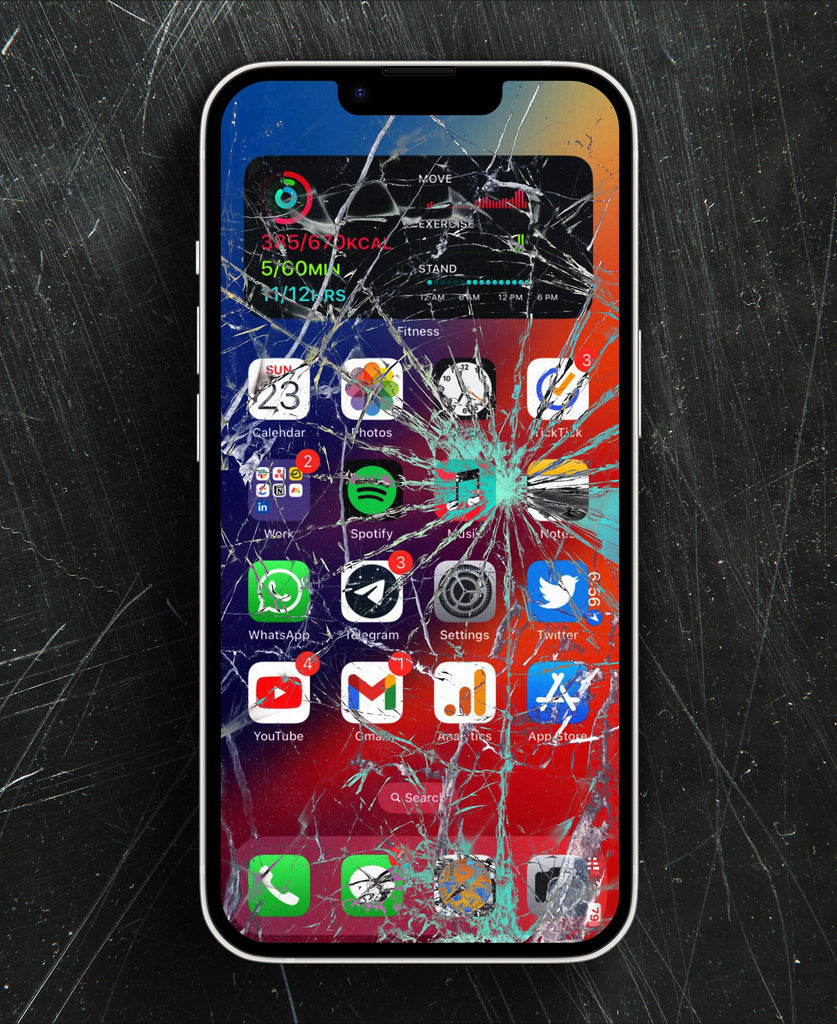
OEM vs. InCell iPhone Screens: What You Need to Know When your iPhone screen cracks, choosing the right replacement is crucial. With options like Apple genuine screens, OEM replacements, and InCell screens, it can be confusing. Understanding the differences ensures you get the best balance of quality, durability, and value. What is an OEM iPhone Screen? An OEM screen is made to match the original specifications of your iPhone. These high-quality screens provide: True colour accuracy and brightness Full compatibility with features like 3D Touch, True Tone, and Face ID Durable performance to last longer than cheaper alternatives OEM screens...